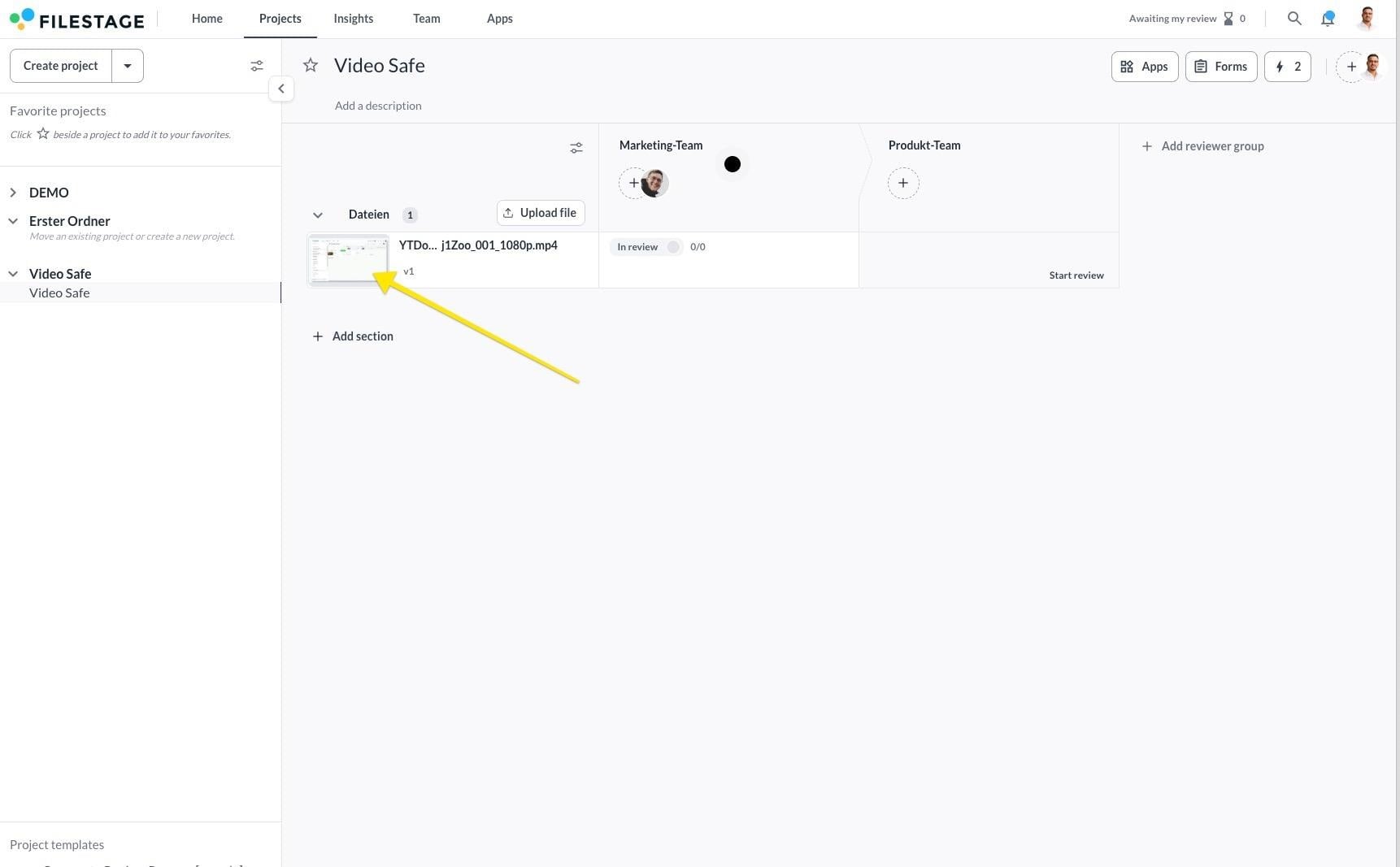
As a creative team, ensuring your video content displays perfectly across different platforms can be a challenge. With Video Safe Zones, you can visualize platform-specific UI overlays or broadcast limits directly within Filestage — preventing critical text, logos, or action from being obscured or cropped.
Video safe zones help creative teams stay compliant and deliver polished video content without accidental layout issues. By previewing exactly how a video will interact with external platform elements, you eliminate guesswork during the creative workflow.
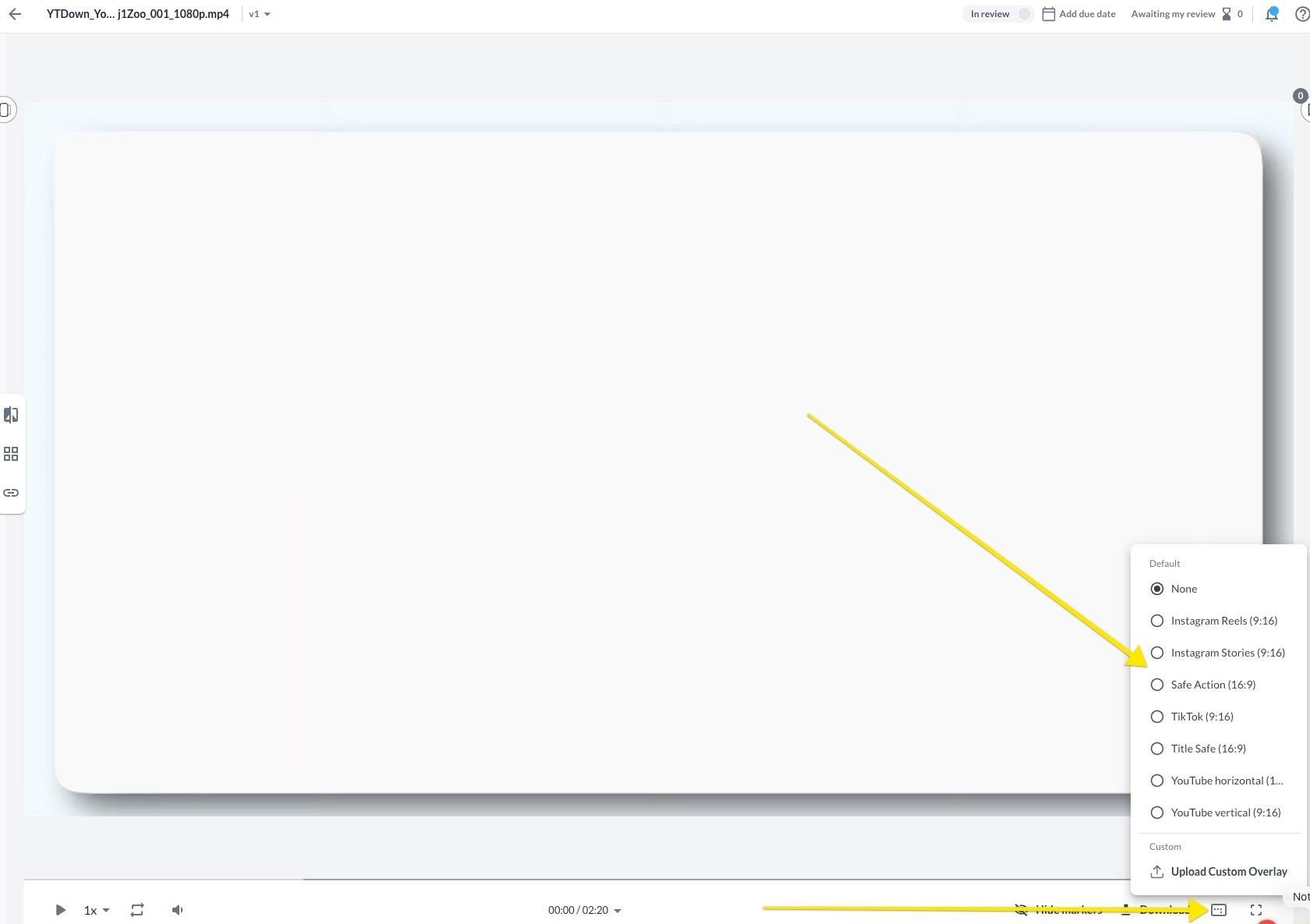
Social media compliance: Preview standard overlays for platforms like TikTok and Instagram Reels to make sure buttons or profile names don’t cover important text.
Broadcast accuracy: Apply standard SMPTE layouts to keep safe margins for television broadcast elements.
Brand customization: Ensure tailored layout checks across specialized digital campaigns.
 |
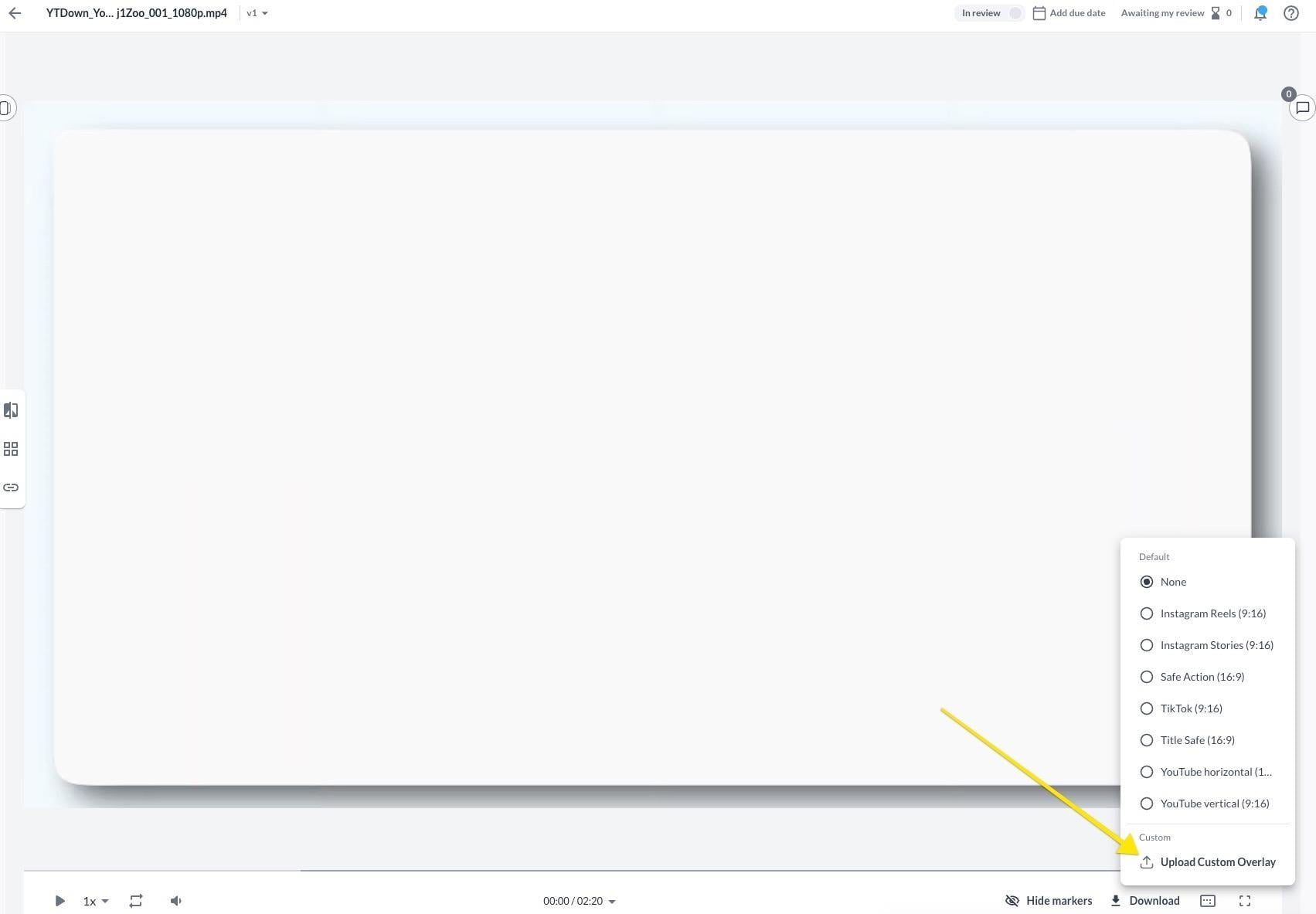
If your team is on an Enterprise plan and requires specialized visual guidelines beyond our standard presets, you can upload bespoke templates.

|
💡 What’s next? Once you’re done, see how to Switch time specifications and loop your videos!