
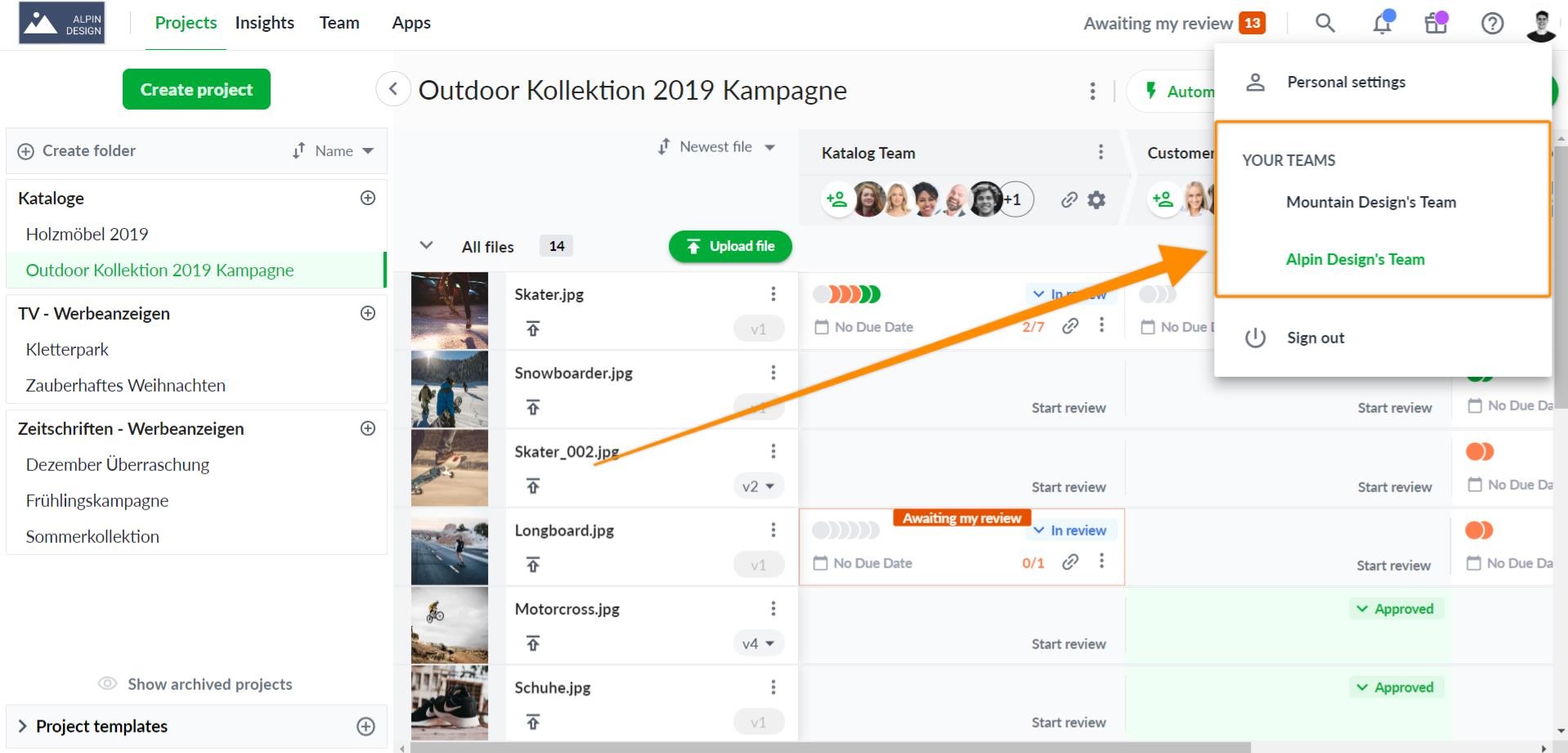
If you've been invited to more than one team in Filestage, you can switch between your teams in two simple steps:
Click your avatar in the top right corner of the screen.
Select the team you want to change to.
💡What´s next? After understanding how to switch between different teams, see how to Customize your team's branding.
If you have any questions or comments, please contact us through chat or email at [email protected].