---
title: "Integrate Filestage with Asana"
description: "Learn how to add Filestage reviews to your Asana tasks and track review progress without leaving Asana"
url: https://help.filestage.io/en/articles/6079968-integrate-filestage-with-asana
collection: "Integrations"
updated: 2026-09-24
language: en
alternates: [fr, de, es]
---
# Integrate Filestage with Asana
Learn how to add Filestage reviews to your Asana tasks and track review progress without leaving Asana
_Managing your projects in Asana but reviewing your content in Filestage? With the Asana integration, you can start and track Filestage reviews right inside your Asana tasks — and always keep an eye on the review progress without switching between tools._
* * *
## How the Asana integration can help you
The Asana integration brings your review progress into the place where you plan your work. Instead of jumping into Filestage to check the status of your reviews, you get live updates directly in your Asana tasks. Here's what you can do with it:
- **Track progress at a glance** — see the review status, reviewer decisions, due date, and comments on a review card inside your Asana task.
- **Start reviews faster** — upload a new file and start a review directly from Asana, or link an existing review in seconds.
- **Stay in sync automatically** — as soon as anything changes in your review in Filestage, it's reflected on the review card in Asana.
> **Info:** The Asana integration is a workflow integration and is available on our [Business and Enterprise plans](https://filestage.io/pricing/).
* * *
## How to connect Filestage to Asana
And this is how you can set up the integration:
Open the Asana apps directory at asana.com/apps and search for Filestage.
Click Install and follow the prompts in Asana.
Authorize your Filestage workspace to connect to your Asana workspace.
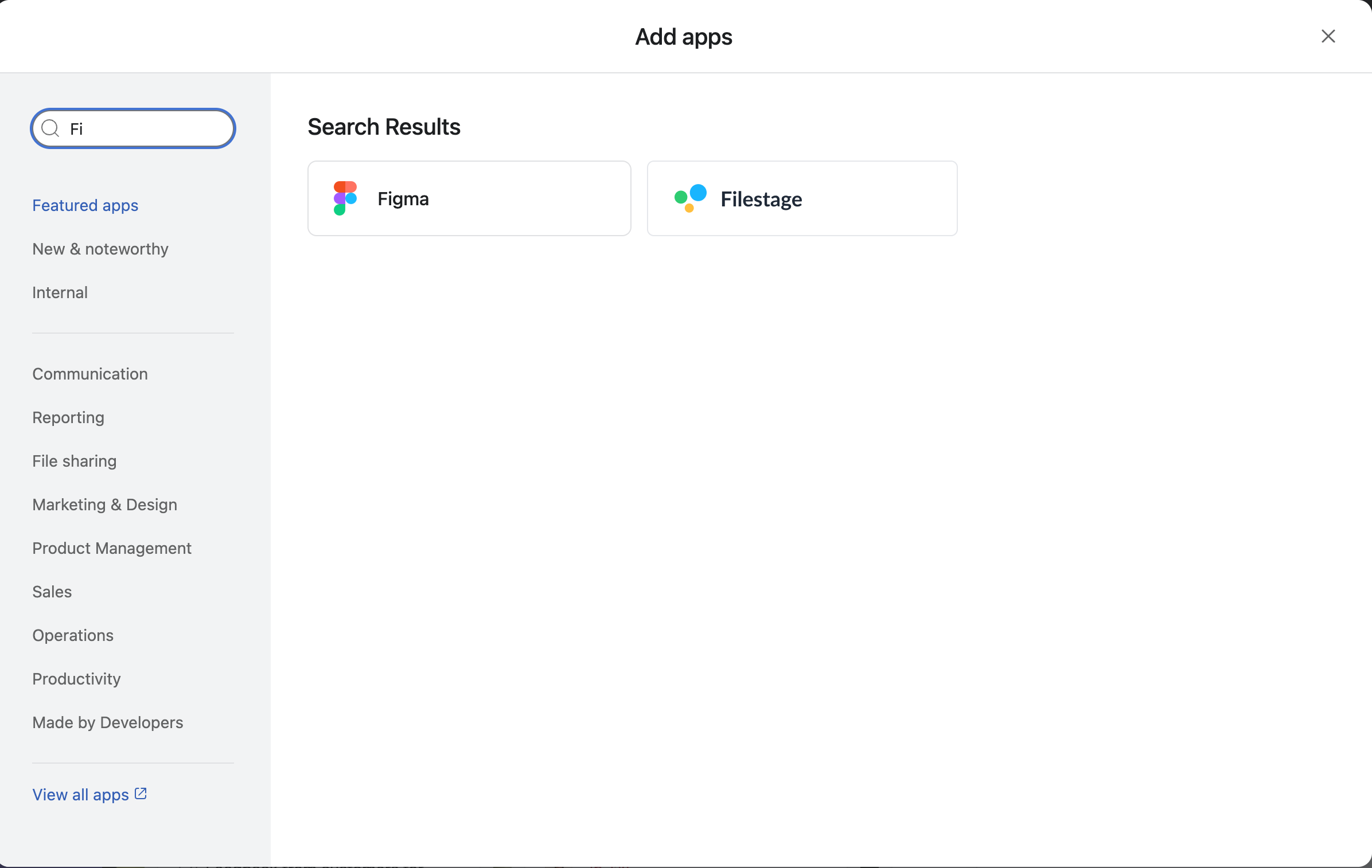
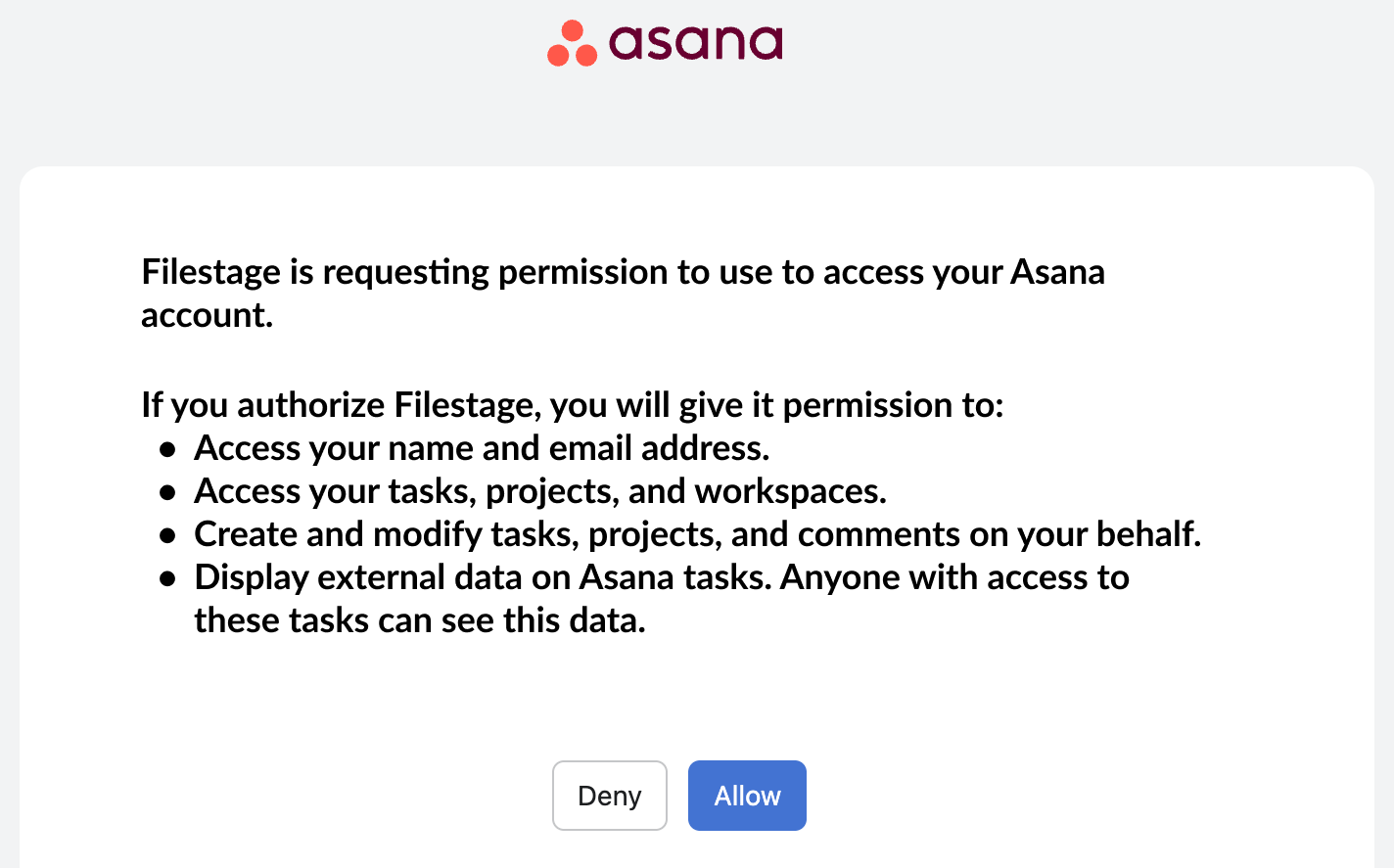
Once connected, every task in your Asana workspace shows an **Add review** button by default — you're ready to go.
* * *
## How to add a Filestage review to an Asana task
And this is how you can track your reviews inside Asana:
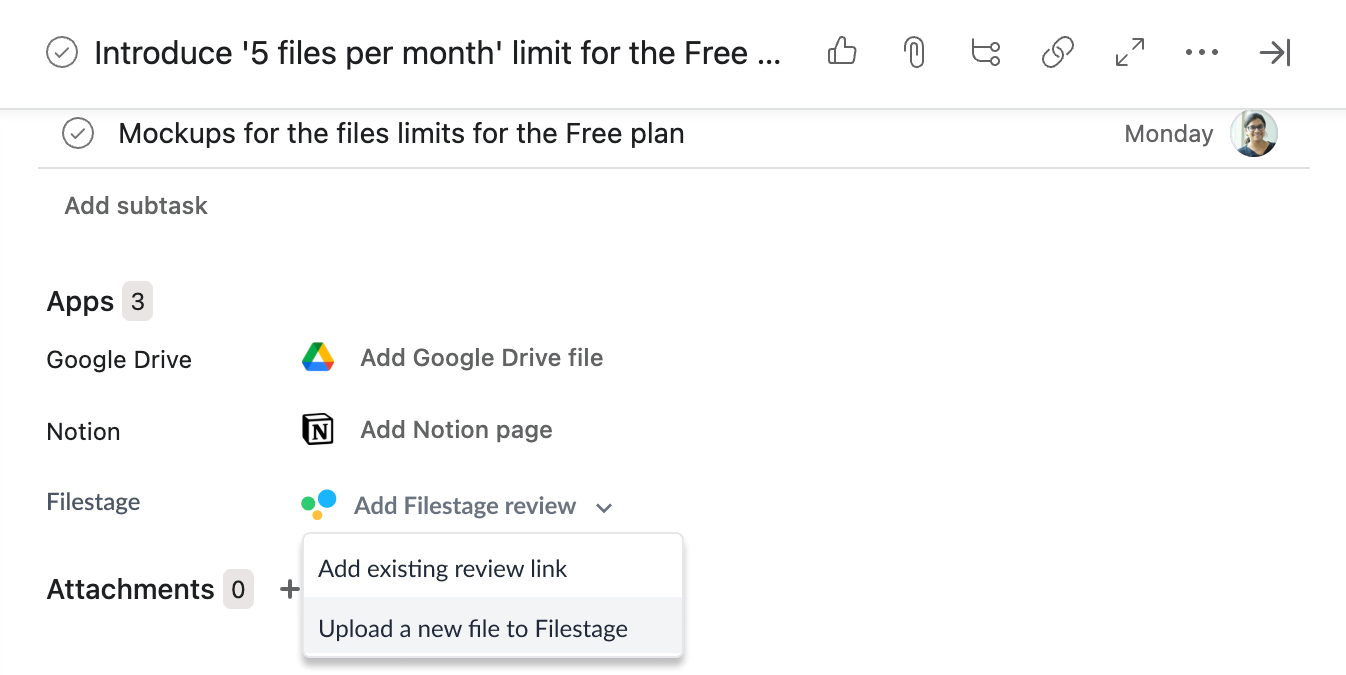
Open the Asana task where you want to track a review.
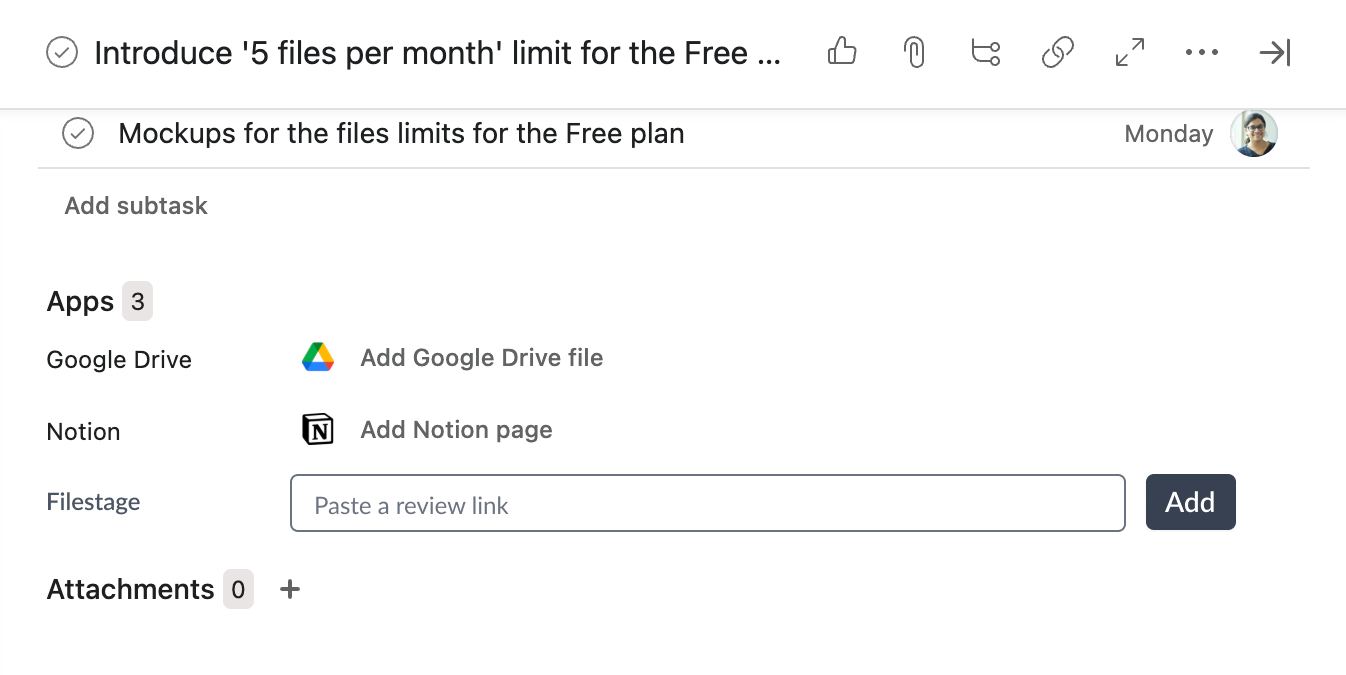
Click Add review.
Paste the link of an existing Filestage review — or upload a new file to start a review directly from Asana.
That's it! A review card is now added to your Asana task.
### This is how the review card works
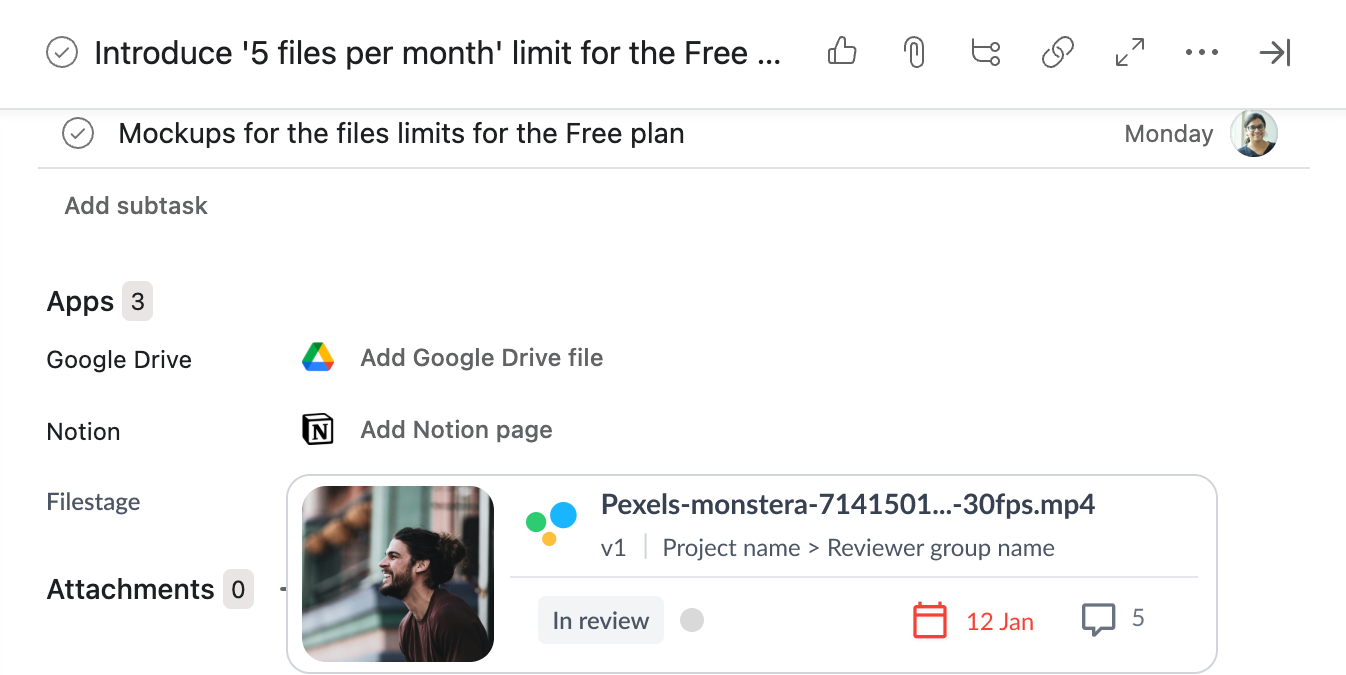
The review card gives you a high-level overview of your review without opening Filestage. It shows:
- The review status and the decision indicators of your reviewers
- The due date of the review
- The project name, file name, and a thumbnail of your file
- A comments counter, so you can see how much feedback has come in
As soon as there are any updates in your review — like new decisions, comments, or a changed due date — the review card in Asana updates automatically.
* * *
💡 **What's next?** Once you're done, see how to [integrate Filestage with Slack](https://help.filestage.io/en/articles/6416366-integrate-filestage-with-slack.md)!
Let us know if you have any questions by reaching out to us on chat or emailing us at [support@filestage.io](mailto:support@filestage.io). We're always happy to help!